
Download ImageShack QuickShot – screen capture, image upload, quick screenshot, forum image sharing, online image hosting
Overview
ImageShack QuickShot is a streamlined productivity tool designed to simplify the process of capturing and uploading screenshots directly to ImageShack’s online hosting service. The application targets users who frequently share visual content in online forums, websites, and community platforms, where fast and reliable image delivery is essential. By integrating screen capture and upload functions into a single, lightweight interface, the app eliminates the need for multiple tools or complex workflows. It is particularly useful for content creators, moderators, technical support personnel, and online community participants who rely on visual evidence or illustrations to communicate effectively.
Launched in 2006, ImageShack QuickShot reflects an early attempt to optimize the digital sharing experience during the rise of online communities and user-generated content. The developer, ImageShack, has positioned this tool as a dedicated utility for users who value speed and simplicity over advanced editing features. While the app does not include image editing capabilities, its core function—capturing and uploading—is executed with minimal user intervention. Real-world use cases include documenting software errors, sharing gameplay moments, or illustrating troubleshooting steps in support threads. In the broader app ecosystem, it serves as a niche but functional tool for users seeking a direct link between capture and upload.
Key Features & Functionality
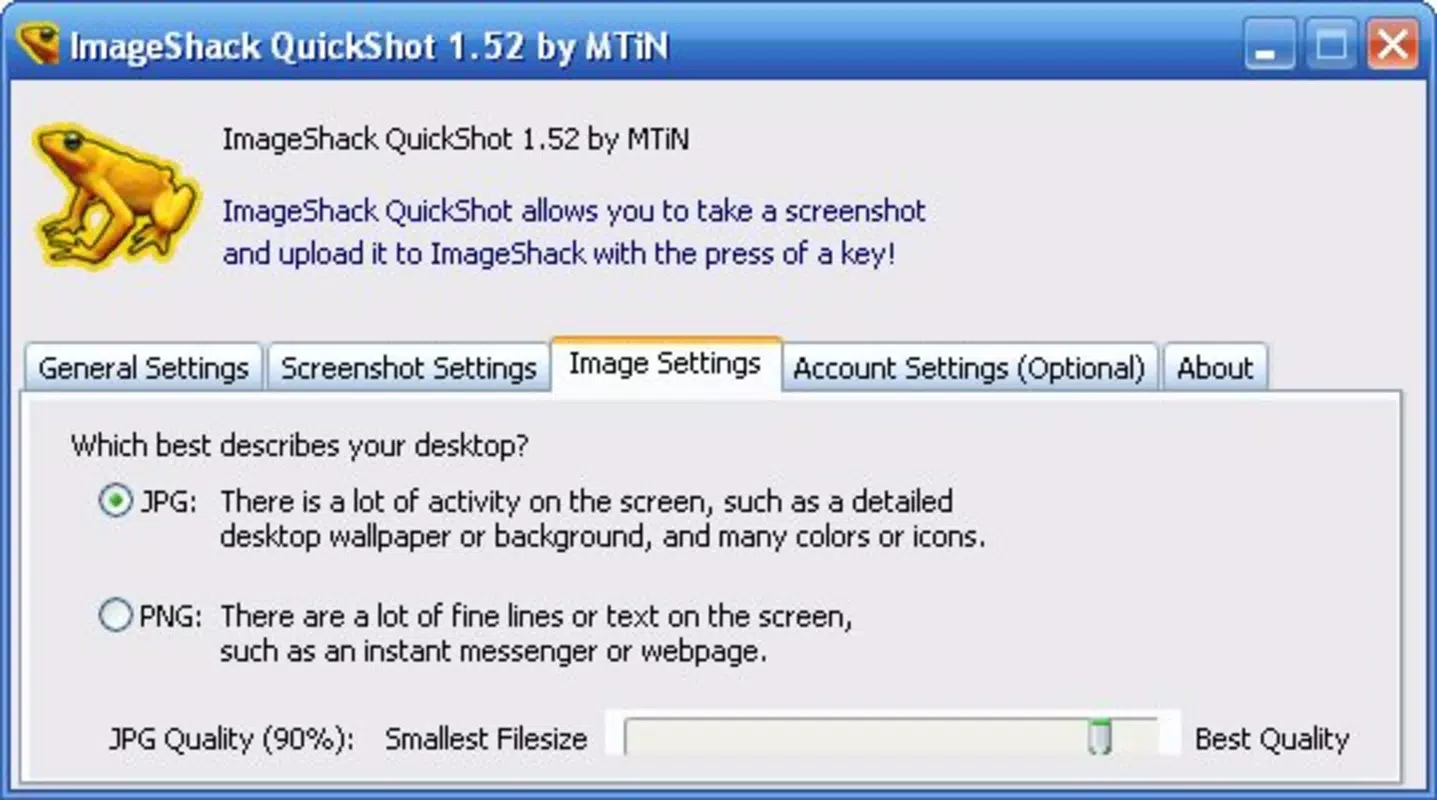
- Easy Capture Setup: Users can configure image format and quality preferences before initiating a capture. This allows for optimized file size and visual clarity based on the intended use, whether for low-bandwidth forums or high-resolution documentation.
- Quick Screen Capture: A single keyboard shortcut triggers a full-screen or region-specific screenshot, enabling rapid capture without navigating through menus or external software.
- Seamless Upload Process: After capture, the image is automatically routed to ImageShack’s upload system. Users can customize upload settings such as privacy options or destination folders, though specific details were not disclosed.
- Forum and Website Friendly: The app is explicitly designed for users who regularly post images on community platforms. It ensures that shared visuals are instantly hosted and accessible via direct links, reducing friction in content sharing.
For example, a forum moderator can capture a problematic interface in seconds and upload it to a support thread without switching applications. Similarly, a gamer documenting a rare in-game event can share the moment immediately. The app’s focus on workflow efficiency makes it a practical choice for users who prioritize speed and reliability in image distribution.
Interface, UX & Performance
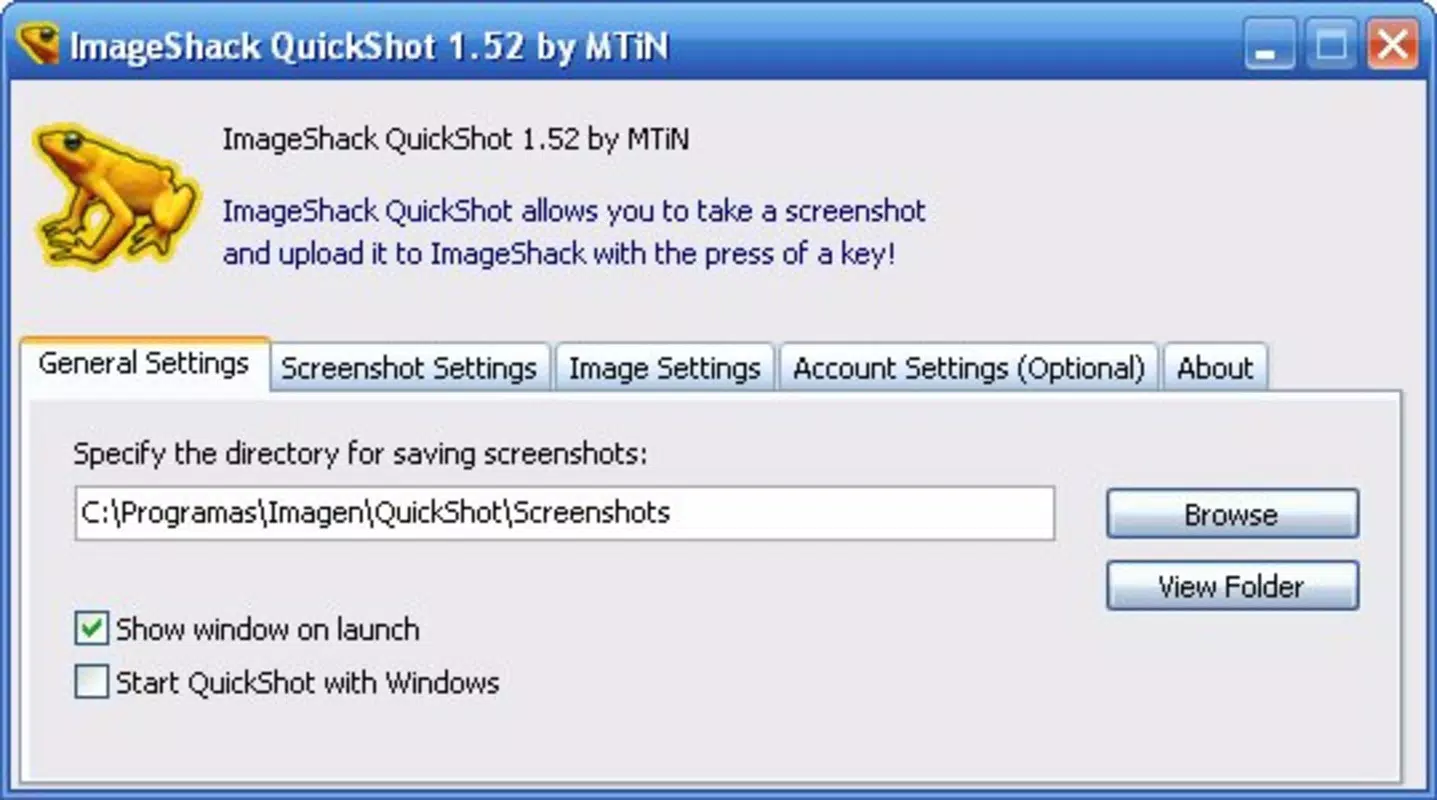
ImageShack QuickShot features a minimalistic interface designed for quick access and ease of use. The layout centers around a single, uncluttered window with clearly labeled controls for capture settings and upload options. Navigation is straightforward, relying primarily on keyboard shortcuts and dropdown menus, which reduces the need for mouse interaction. The visual style is functional rather than decorative, aligning with the app’s utility-first philosophy.
Although the developer did not list formal performance metrics, the application’s file size of 1.2 MB suggests it is lightweight and optimized for low-resource environments. It is expected to run efficiently on a wide range of Windows systems, including older hardware. Responsiveness is likely consistent with its design goals—fast capture and upload cycles with minimal lag. Stability appears to be a core focus, as the app operates as a dedicated tool without additional background processes. However, specific requirements for operating system versions or hardware were not disclosed, and compatibility with modern Windows environments remains uncertain.
Platform Compatibility & Technical Requirements
ImageShack QuickShot is designed for the Windows platform and requires no installation beyond the standard setup process. The app has a file size of 1.2 MB, indicating it is a compact utility with minimal system footprint. The software version is listed as 1.0, suggesting it may be a stable, mature release with limited updates since its 2006 launch.
The developer did not specify minimum OS requirements, nor did they provide details on compatibility with newer Windows versions such as Windows 10 or 11. As a result, users should exercise caution when attempting to run the app on modern systems. While it may function on older Windows editions, performance and stability on current platforms cannot be guaranteed. Users are advised to test the application in a controlled environment before relying on it for critical tasks.
Pros and Cons
Pros
- Lightweight design with minimal system resource usage
- Fast and intuitive screen capture via keyboard shortcut
- Direct integration with ImageShack’s online hosting service
- Simple setup tailored for frequent forum and website users
- Free to download and use with no in-app purchases
Cons
- Version 1.0 released in 2006; may lack compatibility with modern Windows systems
- Developer did not provide technical specifications or system requirements
- No image editing or post-capture customization features
- Limited to Windows platform; no support for mobile or macOS
- No visible update history or developer support since release
FAQ
Is ImageShack QuickShot safe to download and use?
Yes, the app is free and was released by ImageShack, a well-known online image hosting service. However, due to its age, users should scan the file with antivirus software before installation.
Can I use ImageShack QuickShot on Windows 10 or 11?
Compatibility is not guaranteed. While the app may run on newer Windows versions, the developer did not provide official support or compatibility information.
Does ImageShack QuickShot support image editing?
No, the app focuses solely on capturing and uploading screenshots. It does not include tools for cropping, resizing, or enhancing images.
Is there a mobile version of ImageShack QuickShot?
Currently, the app is only available for Windows. No mobile or macOS versions have been released or announced.
How do I update ImageShack QuickShot?
As of now, no update mechanism or version history is publicly available. Users are advised to check the official ImageShack website for any potential updates.
Final Thoughts
ImageShack QuickShot remains a niche but functional tool for users who prioritize speed and simplicity in image sharing. Its lightweight design, direct integration with online hosting, and keyboard-driven workflow make it a viable option for those working in forums, technical support, or community moderation. While its age raises compatibility concerns, the app’s core functionality—quick capture and upload—remains relevant. For users on older systems or those seeking a no-frills utility, it offers a practical solution. However, modern alternatives may provide better support and features.
Download ImageShack QuickShot now


